
BoVegas mobile casino 2027: No App, Play in Your Browser
BoVegas has no app to download. On a phone or tablet the casino opens in the browser, with the same games as on a computer. Below: supported devices and browsers, how to start, and what looks different on a small screen.
18+ only. Nothing to install.


Is there a BoVegas app for Android or iOS?
No. The casino's FAQ states that BoVegas has mobile apps neither for Android nor for iOS, so there is nothing to look for in Google Play or the App Store and no file to install. Instead, every game can be played in one of three versions:
Phone
Mobile Version
Runs in the phone's browser: Safari, Samsung Internet or Google Chrome.
Tablet
Tablet Version
A separate layout for tablets, also opened in the browser.
PC
Instant Play
The desktop version for Windows, Linux and Mac, played straight in the browser.
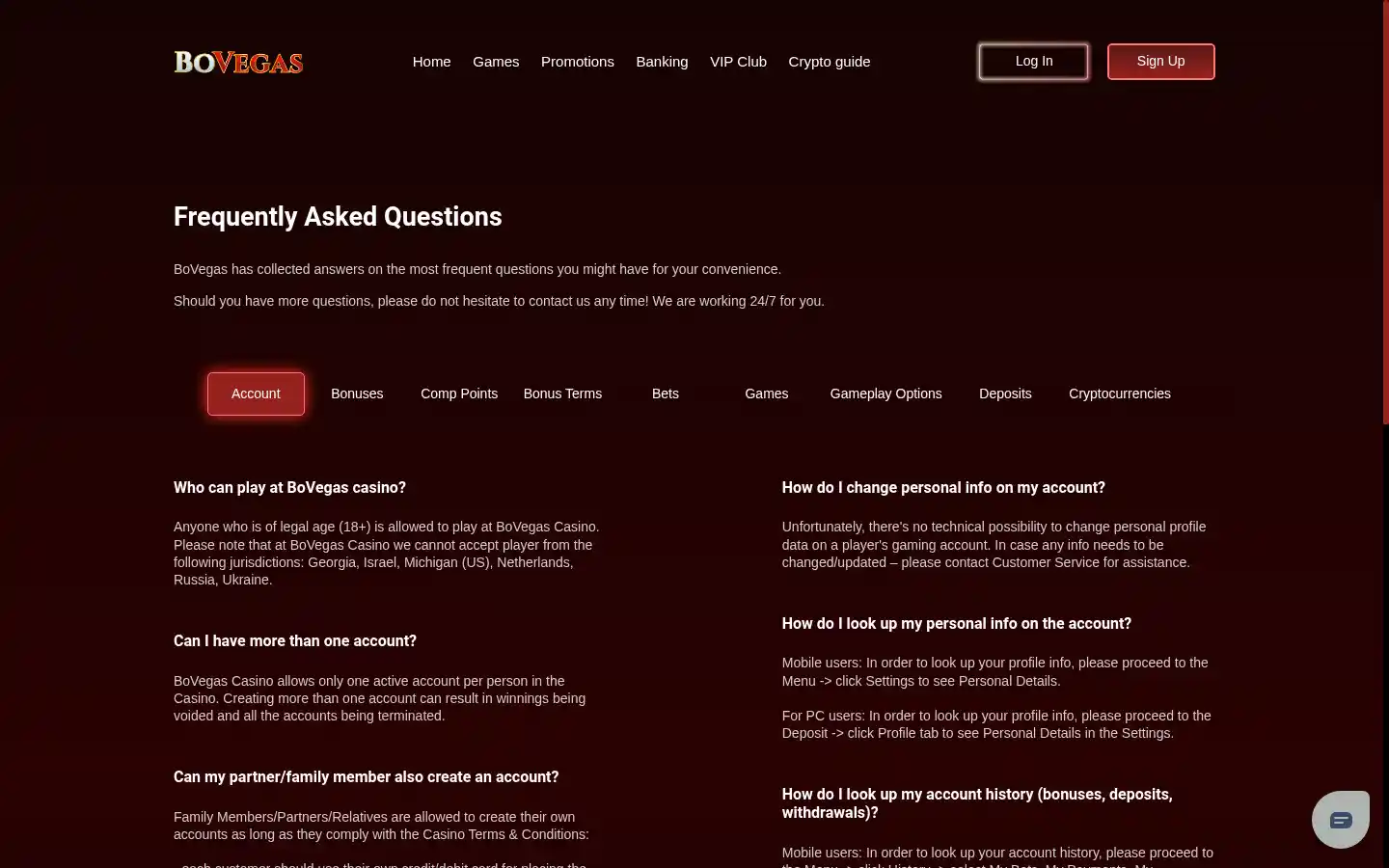
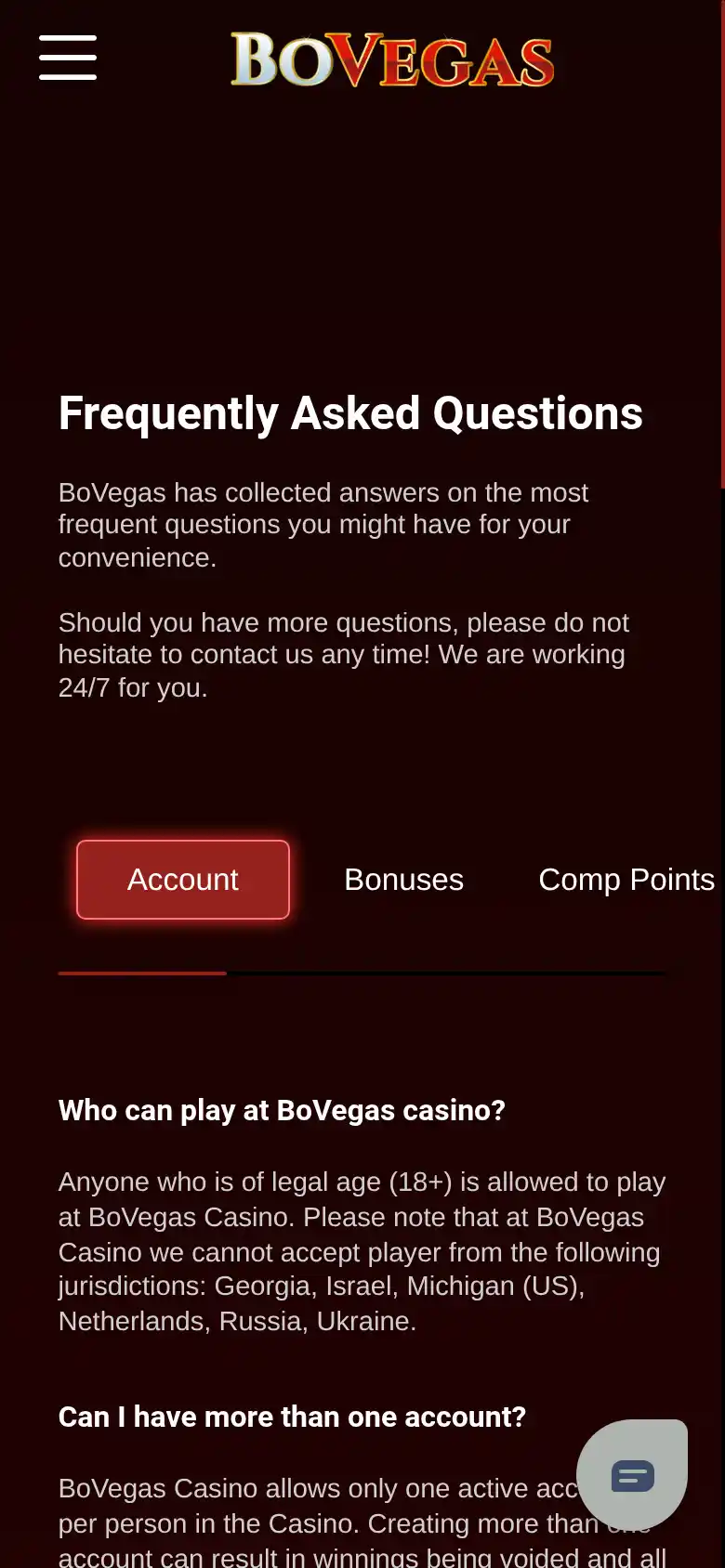
Be careful with any “BoVegas app” offered as a download elsewhere: the casino itself says it does not have one.
Supported devices and browsers
| Device | Version | Browsers named by the casino |
|---|---|---|
| Phone (Android, iPhone) | Mobile Version | Safari, Samsung Internet, Google Chrome |
| Tablet | Tablet Version | Mobile browser |
| Mac | Instant Play | Safari, Google Chrome, Firefox |
| Windows, Linux | Instant Play | Google Chrome, Firefox |
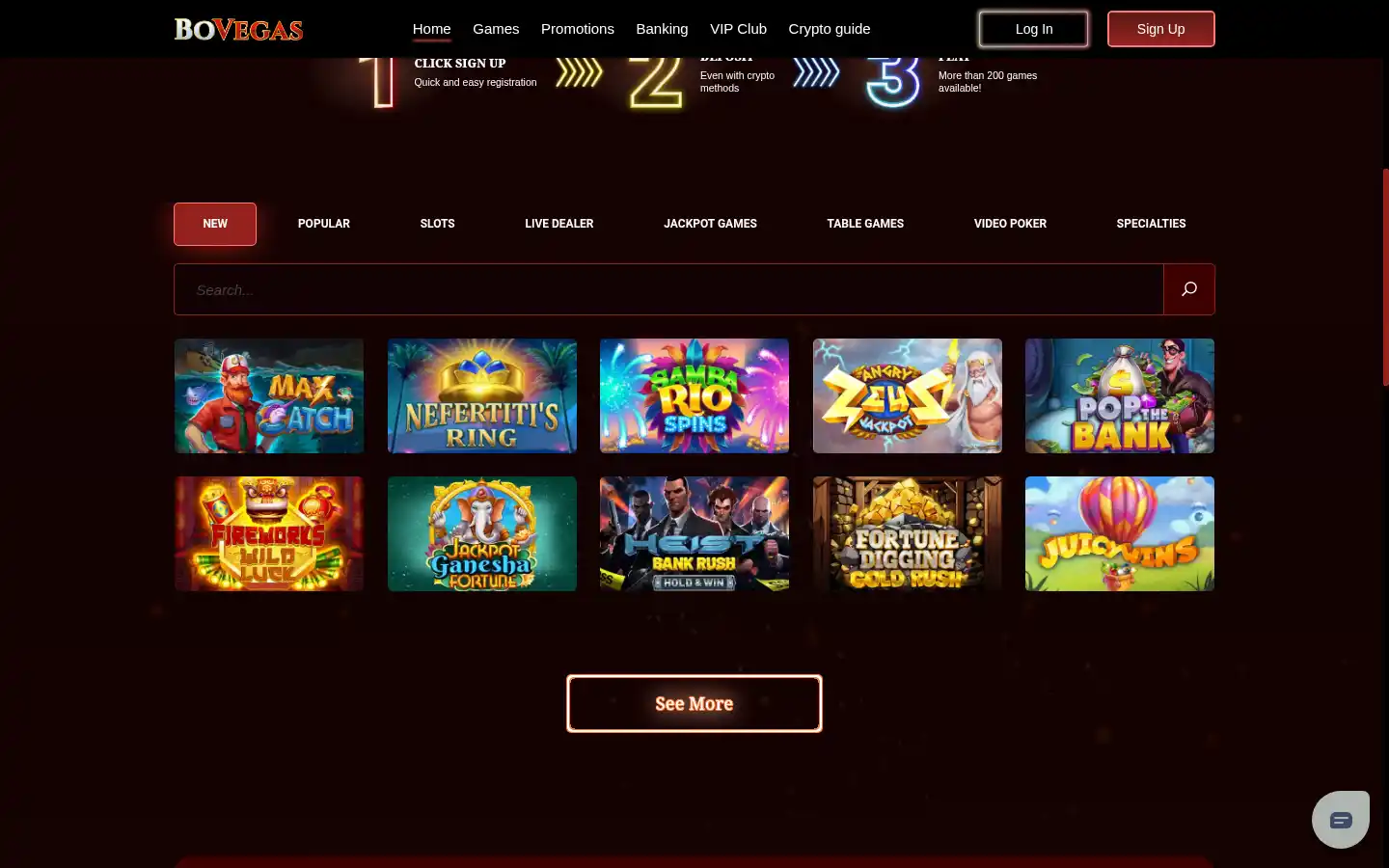
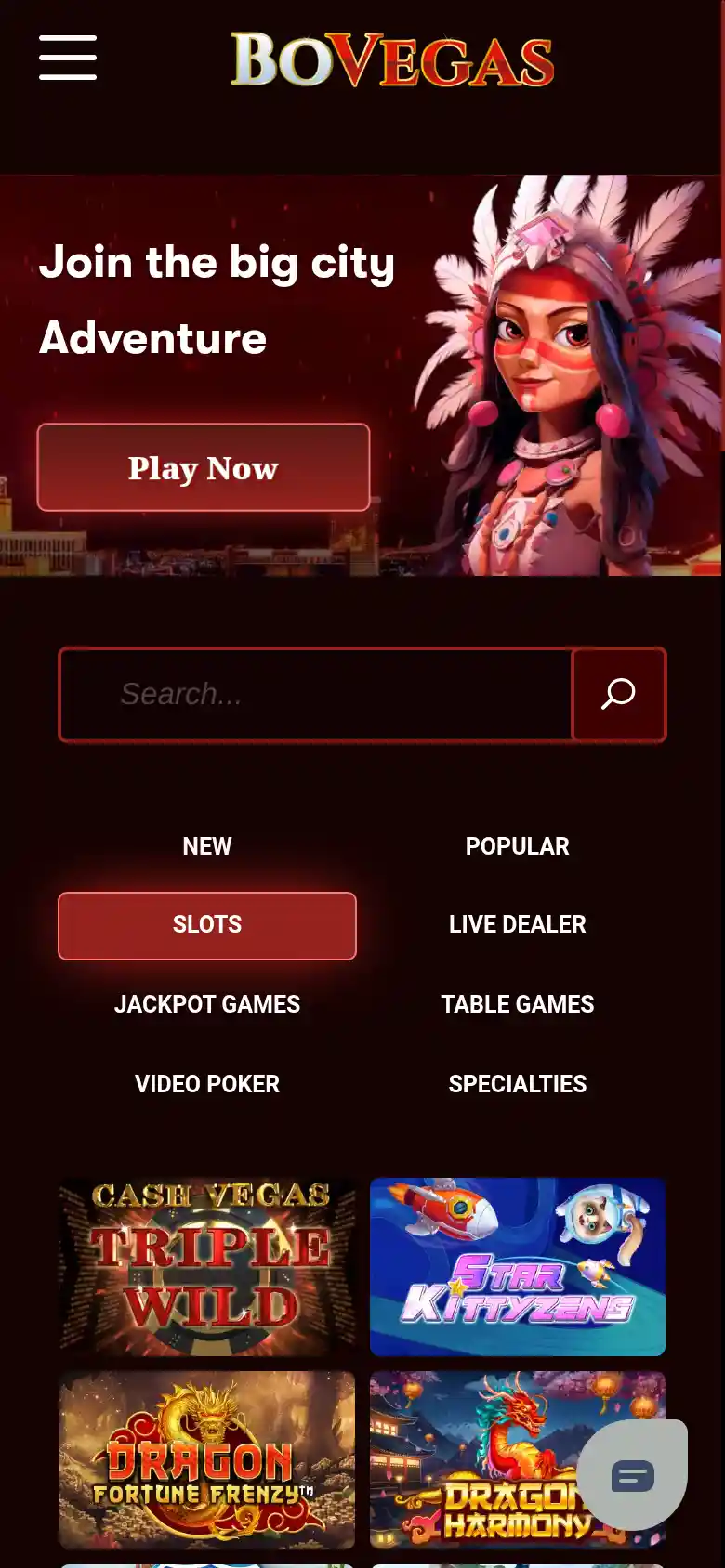
For Windows and Linux the casino says all games run regardless of the version and brand of the operating system. It does not publish minimum Android or iOS versions or a list of supported phones, so any device with one of the browsers above should do.
How to start playing BoVegas on your phone
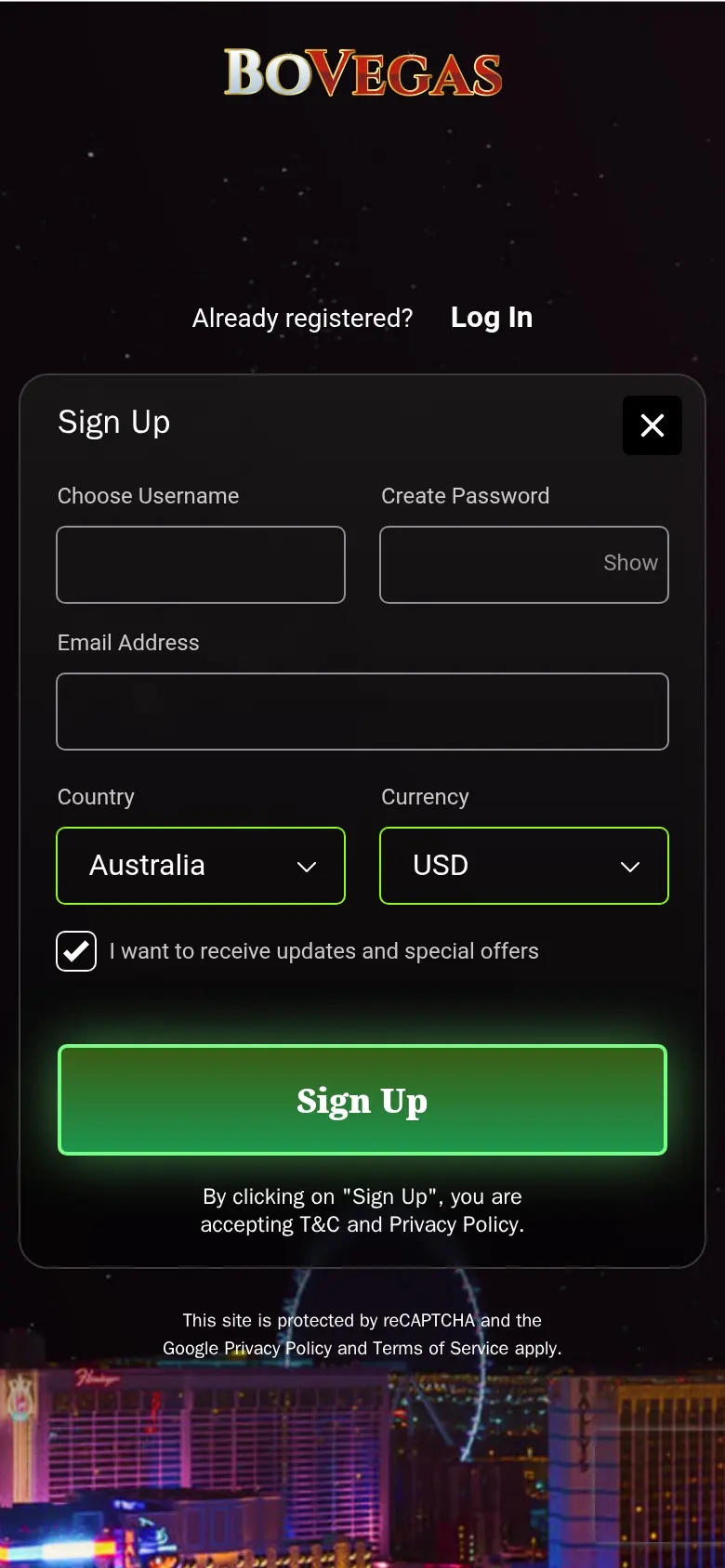
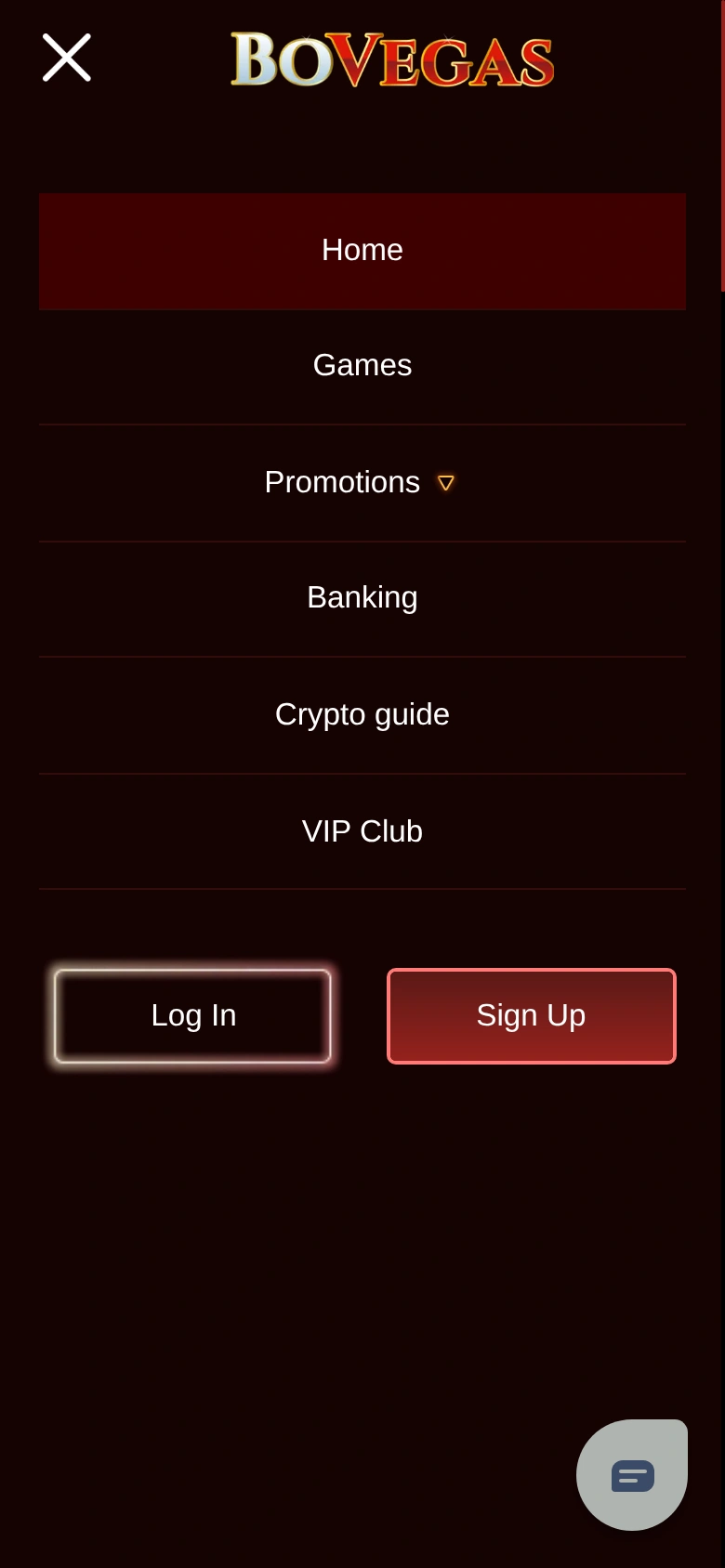
- Open the casino in your mobile browser
Safari, Samsung Internet or Google Chrome.
- Sign up or log in
The account is the same on every device, so you can switch between phone and computer.
- Deposit through the Menu
On a phone the Finance tab with the deposit options sits in the Menu rather than behind a Deposit button.
- Pick a game and turn the phone if asked
Some games show a notice to switch the device to vertical or horizontal mode.
New here? The account steps and the phone check after the first deposit are on the BoVegas sign-up page.
Mobile and desktop: what is different
To be more comfortable on a small screen, the Tablet and Mobile Versions differ slightly from Instant Play: buttons sit in other places and the menu looks different. The main change is where account options live: on a computer most of them are behind the Deposit button, on a phone they are in the Menu.
| What you need | On a computer | On a phone |
|---|---|---|
| Deposit options | Deposit → Finance tab | Menu → Finance tab |
| Account history (bonuses, deposits, withdrawals) | Deposit → History tab | Menu → History |
| Betting history for slots | Deposit → History → My Bets | Menu → History → My Bets |
| Personal details | Deposit → Profile tab → Settings | Menu → Settings |
| Change password | Deposit → Profile tab → Settings | Menu → Settings |
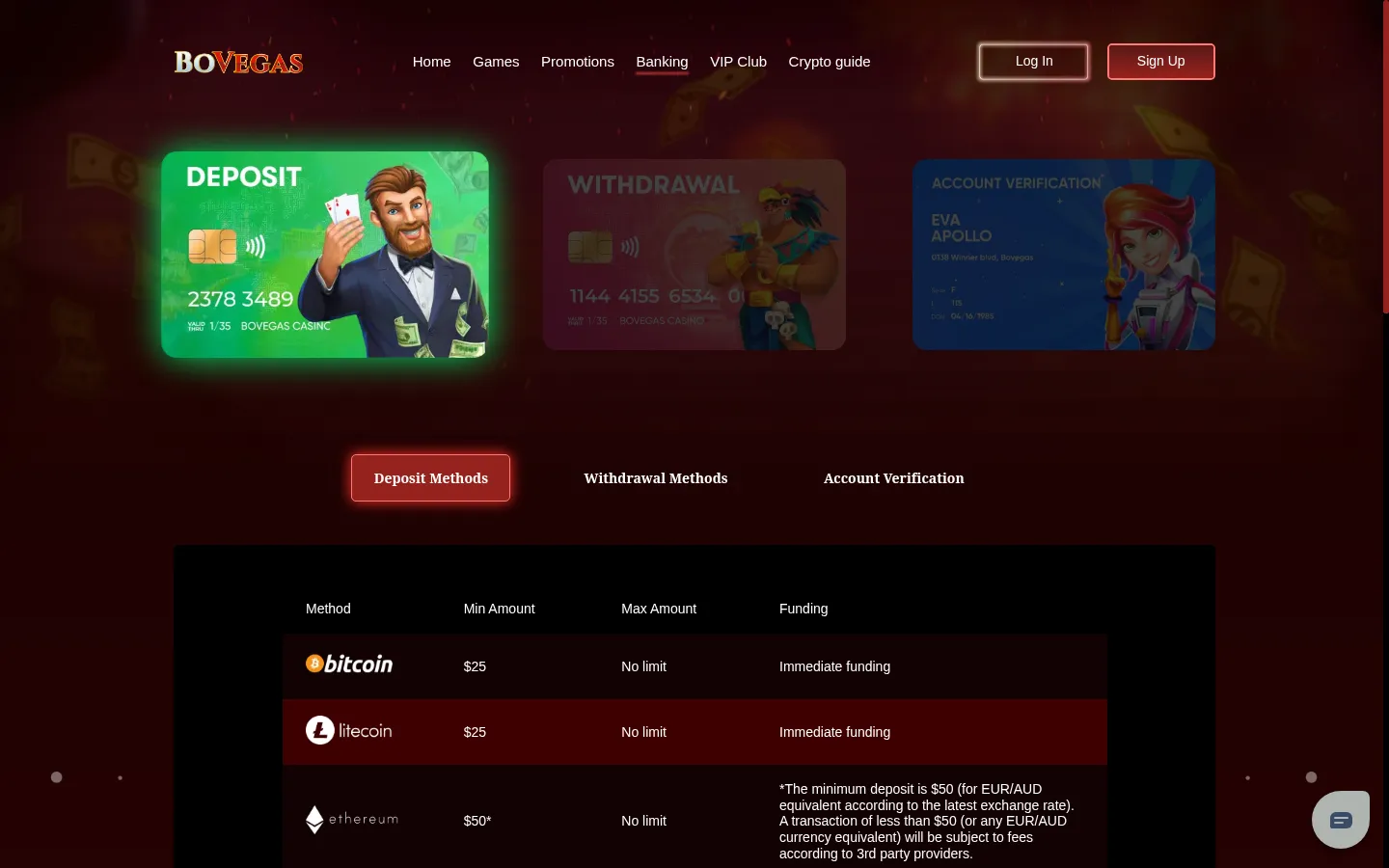
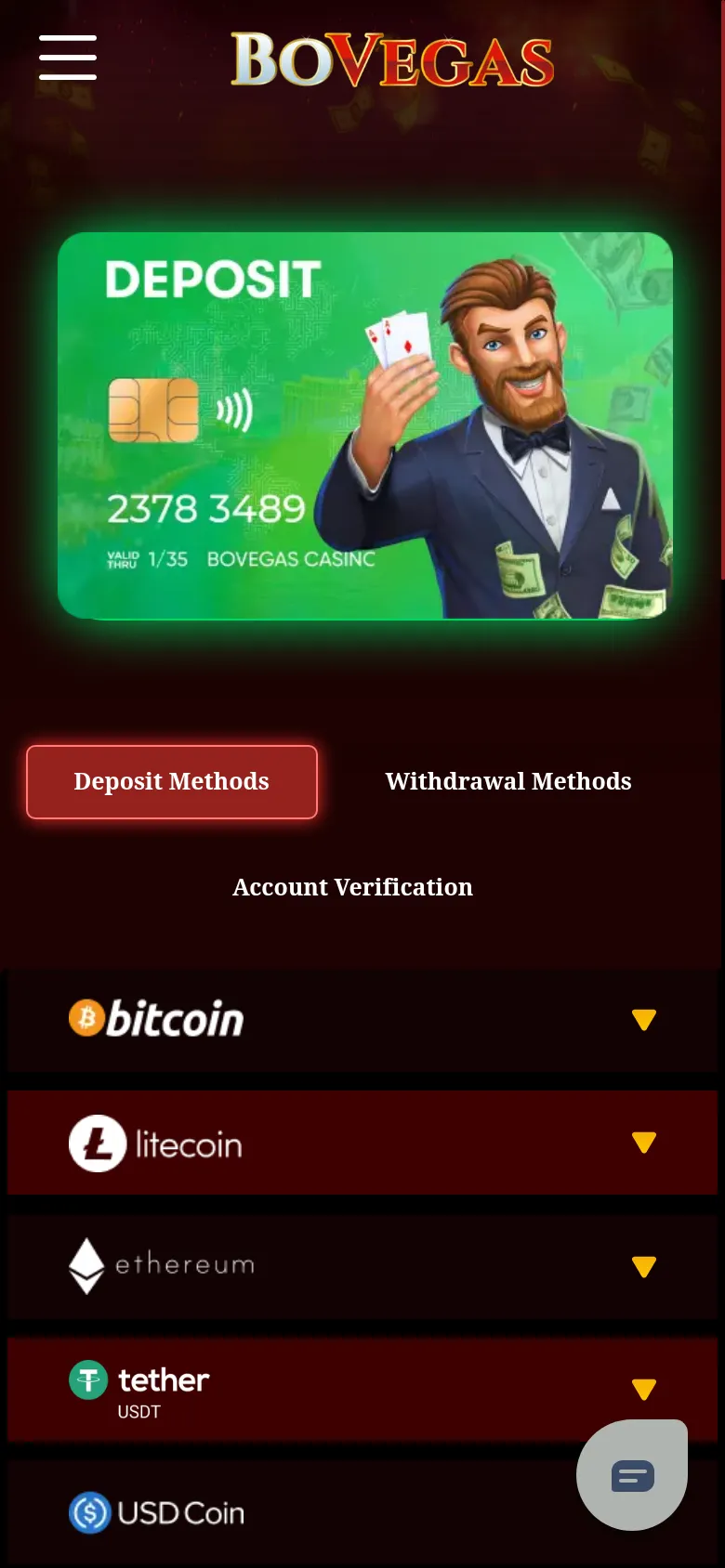
Games are the same in every version: slots, table games and live dealer tables are all available on the phone. What the lobby holds, from pokies to live blackjack, is on our BoVegas pokies and live dealer page.
BoVegas mobile questions
Can I download BoVegas from Google Play or the App Store?
No. BoVegas has no Android or iOS app. Play in the mobile browser instead.
Which browser should I use on my phone?
The casino names Safari, Samsung Internet and Google Chrome.
Where is the Deposit button on mobile?
Open the Menu: the Finance tab with deposit options and your History are there.
Who do I contact if a game does not load on my phone?
Support works 24/7 by live chat, at support@bovegas.com or on +61 2 8310 8119.
Questions about bonuses, verification and payouts are answered on the BoVegas FAQ page.